Case Study
AI → Revit: Prototype (2019) to Production Systems (2026)
A decade-long evolution of AI interacting with Revit: from early AlexNet sketch recognition experiments to modern MCP-based BIM AI systems integrated with enterprise Revit tooling.
- Role
- Design Technology + Prototype Development
- Status
- Prototype → Production Evolution
- Stack
- Revit API, Machine Learning, AlexNet, Automation, Model Context Protocol
The Evolution of BIM Intelligence: From Sketches to Agents
In 2019, before "Generative AI" became a mainstream industry staple, I began exploring a fundamental question in AEC: Can we bridge the gap between a designer’s hand-drawn intuition and the rigid, deterministic world of BIM?
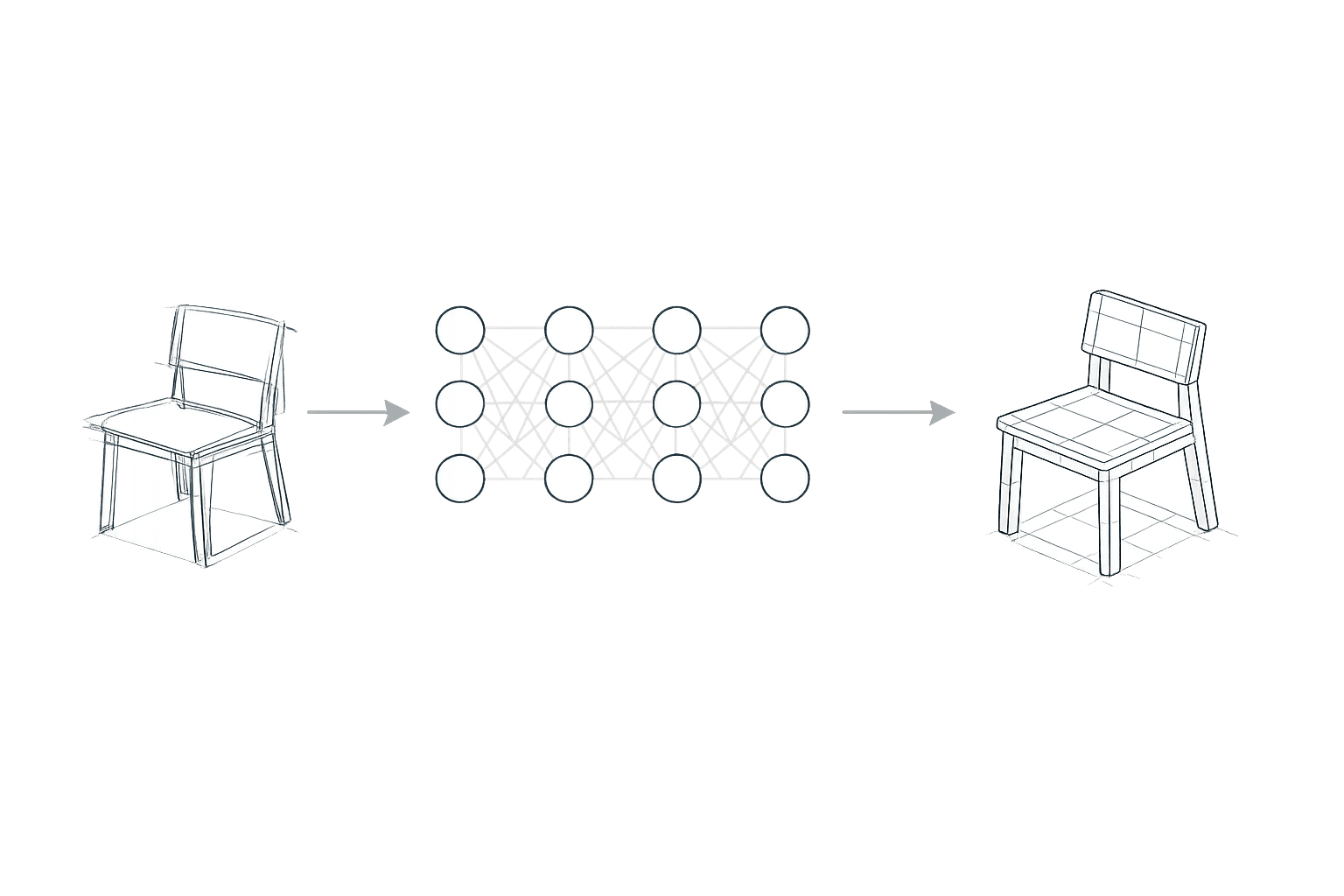
The result was an early prototype that used an AlexNet-style Convolutional Neural Network to interpret sketch intent. By connecting the model's predictions directly to the Revit API, I demonstrated that a rough napkin drawing could be instantly translated into a 3D element. The value wasn't just in the machine learning—it was in the integration.
The 2019 Foundation: Pattern Recognition
At its core, this early workflow was about classification. A user would sketch a rough form—a door, a chair, or a sofa—and the CNN would identify the most likely label. The Revit API would then close the loop by loading and placing the corresponding family.
While simple by today’s standards, this project proved a vital thesis: AI classification is only transformative when it is plugged into a structured, deterministic system.
It wasn't about the AI "guessing" correctly; it was about the API executing the intent safely.
2026: The Shift to Agentic BIM
Today, the objective has evolved. We are moving away from simple image classification and toward Agentic Reasoning.
The question is no longer:
"Can the AI recognize this sketch?"
but rather:
"Can the AI reason over live BIM data and safely execute complex operations?"
To explore this direction, I built a direct bridge between Claude Desktop and Revit using the Model Context Protocol (MCP).
Instead of experimental neural predictions triggering isolated actions, the system now uses a structured architecture designed for safe interaction with BIM environments.
The Agentic Architecture
The system is composed of several layers that allow AI to interact with Revit while maintaining control and safety.
Reasoning Engine
Claude Desktop provides the high-level reasoning layer.
Protocol Layer
A Node.js MCP server written in TypeScript handles the AI protocol interface.
Bridge Layer
A WebSocket connection connects the external AI environment to the local desktop.
Revit Host
A custom C# MCP server runs inside a Revit add-in built on top of our internal dwpBeyond platform.
Safe Execution
All Revit operations are executed through ExternalEvent dispatchers to ensure the Revit API remains thread-safe and stable.
Standards, Skills, and Guardrails
One of the most important aspects of this architecture is that the AI does not interact with Revit directly.
Instead, it calls structured tools that already exist inside our enterprise Revit add-in.
Each tool behaves like a bounded skill.
Examples include actions such as:
- retrieving project metadata
- querying levels
- aligning model elements to company standards
- triggering approved automation tools
Because each action is defined as a skill, the AI operates within the same constraints and workflows used by our BIM team.
This means the AI reinforces company standards rather than bypassing them.
What Has Changed Since 2019
The difference between the early prototype and today's system is primarily one of architectural maturity.
2019 Prototype
- Image classification
- Label prediction
- Family placement
- Experimental neural workflow
2026 Architecture
- JSON-RPC 2.0 tool communication
- MCP protocol layer
- WebSocket bridge
- Thread-safe Revit API execution
- Structured tool registration
- Standards-aligned automation
The AI is no longer guessing from images.
It is reasoning over structured BIM context.
Deployment Reality
Today this system still requires careful deployment.
Unlike our enterprise Revit add-in — which automatically updates across offices worldwide through a version check — the Claude + MCP setup currently requires more manual configuration.
Senior BIM technicians must be configured individually and granted access to specific tools and skills.
This means the system is still in an early infrastructure phase.
But the foundation is in place.
Why This Matters
The current conversation around AI often focuses on prompts.
But the real transformation in AEC happens when AI becomes part of the integration layer.
When AI can:
- understand structured project data
- query the BIM model safely
- execute bounded tools
- follow company standards
Then it becomes a genuine extension of the BIM environment.
The goal is not automation for its own sake.
The goal is better buildings.
More efficient workflows.
More sustainable outcomes.
And ultimately — more time spent on design rather than repetition.
Links
My Role
Design Technology + Prototype Development